Make a wedding slideshow in minutes
Add your photos and your song, type your names, and get one MP4 with a title card and soft fades, ready for the reception screen or the family chat.
- Your names on a title card
- Your own song
- Plays on TVs and projectors
Your account is ready. Add your name whenever you like.
Choose a template
Use Plain merge or pick a slideshow template for title cards, soft fades and a song.
Slideshow preview
Add media
Drop your wedding photos here
or paste a screenshot (⌘V on Mac, Ctrl+V on Windows)
Almost any video or photo: MP4, MOV, AVI, WMV, MKV, MTS, HEIC, JPG, PNG and more
Stock photos
Choose a photo to add it to your video.
Arrange your clips 0
Drag across clips to select. Drag a selected thumbnail to move the group. Tap clips to select. Hold and drag a selected thumbnail to move the group.
Add files or choose stock photos in Step 2 to arrange them here.
Music
Choose a slideshow template to add music.
Customize look
Optional: slideshow style, transitions, text, overlays and effects. Leave it closed to keep the template's look.
Slideshow style
Choose how your photos and clips appear in the video.
Transitions between clips
Effects
Preview
Add photos or clips to see a preview.
Your video is ready
It's been downloaded to your device.
Your video
After you export, you can play and download your video here.
Project backup
Why wedding slideshows turn into a late-night job
It's usually the last thing on the list, and the date doesn't move.
Software to learn, days before the wedding
Video editors expect you to learn a timeline, and getting a simple slideshow right can take an evening or two.
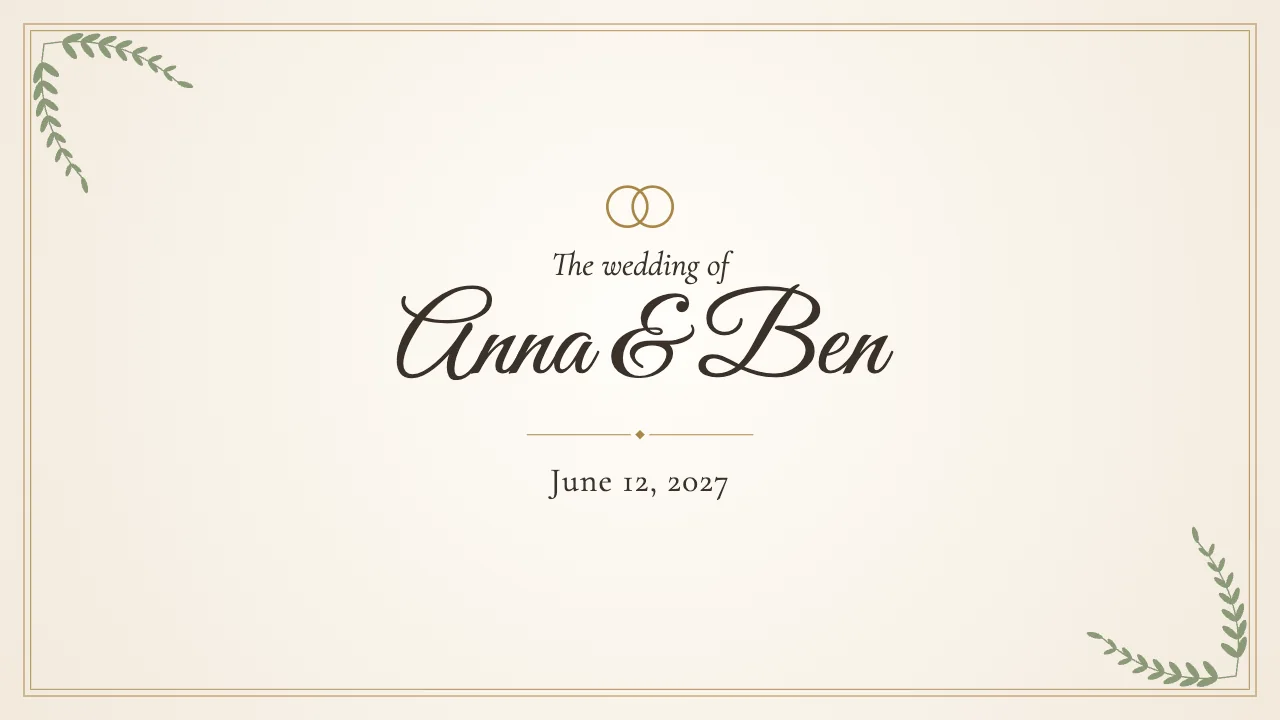
Type your names and add your photos. The title card, fades and timing are already done.
Photos of every shape
Phone photos are tall, camera photos are wide, and old family prints are whatever they are. Forced into one frame, they get cropped or stretched.
Every photo sits whole in a white-edged frame on an ivory background, so nothing is cut off.
It has to play at the venue
Some slideshow apps export files the venue's laptop or TV won't open, and you find out on the day.
You get a standard 1080p MP4, the kind nearly every laptop and TV plays.
How to make a wedding slideshow
Type your names
The wedding template is already chosen above. Add your names and the date, and the preview updates as you type.
Add photos and a song
Drop in your photos and any short clips, then press Upload a song in the Music step and pick an MP3 or M4A.
Put them in order
Drag photos into order. Each shows for 4 seconds, which you can change for all of them or one at a time.
Make the slideshow
Press Make my slideshow. The MP4 downloads when it's done.
Good to know
- At 4 seconds each, a 4-minute song fits about 60 photos. This Pro template supports up to 100 photos.
- Going from childhood photos to the two of you gives it a story, and is easier to watch than a random order.
- Take the MP4 on a USB stick as well as a laptop, and play it once on the venue's screen and speakers before the day.
More ways to use ClipMerge
Questions
How many photos should a wedding slideshow have?
As a rough guide, 40 to 80 photos, which is about 3 to 5 minutes at 4 seconds each. Longer than that and a room starts to drift.
Can I use our own song?
Yes. Add an MP3, M4A or WAV file of up to 50 MB. It fades out at the end, starts again if it's shorter than the slideshow, and goes quiet while a clip with its own sound plays. Songs aren't saved to ClipMerge. If you post the video online, the platform may mute a commercial recording.
Do you have music I can use?
Yes. With Pro, you can listen to and select built-in wedding music in the Music step.
Can I add video clips?
Yes. Clips sit in the same frame as your photos and keep their own sound, and the song goes quiet while they play.
Can I change the wording?
Yes. Every line on the opening and closing cards is yours to change, or leave the names and date empty to skip the opening card.
Will there be a watermark?
You can choose whether to keep the ClipMerge.com watermark using the checkbox before export.
Is ClipMerge free?
Yes. Without an account you can use Plain merge to combine up to 4 clips of up to 30 seconds each, plus up to 10 photos, into each video, and a free account raises that to 16 clips of 60 seconds, plus 60 photos. You can choose whether to include the ClipMerge.com watermark. ClipMerge Pro unlocks all slideshow templates and longer clips with one-time passes starting at 15 days.
Do I need an account?
No, you can merge without one. A free account (just an email and a password) lets you merge more and longer clips, and keeps the clips and photos you add in My videos, so you can save projects to come back to. Finished videos download straight to your device. Pro needs an account too, so your Pro time follows you to any device.
Is Pro a subscription?
No. Pro passes are one-time payments through PayPal for 15 days, one year, or lifetime access, and nothing renews by itself.
Which browsers work?
Recent versions of Chrome, Edge, Safari and Firefox, on computers, phones and tablets. Merging uses your device's video encoder, so it's quickest on a computer.
What happens to my files?
Merging happens in your browser, and finished videos download straight to your device. Copies of the clips and photos you add stay in My videos for 30 days on Free or one year on Pro, and we email account holders 10 days before they expire. Files from visitors without an account are removed after 30 days.