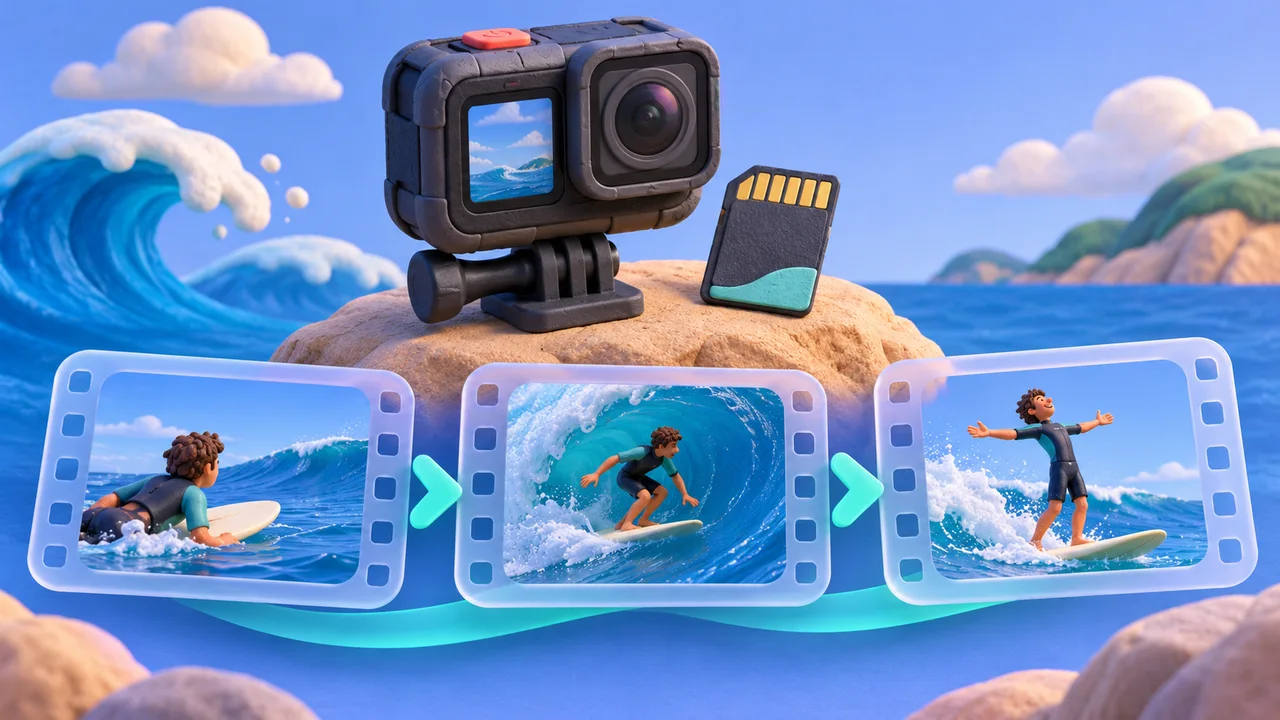
A GoPro file name such as GH010042.MP4 tells you three things: the video codec (GH is H.264, GX is HEVC), the chapter (01) and the recording number (0042). Long recordings are split into chapters of about 4 GB, so GH010042, GH020042 and GH030042 are one continuous video in three files. Group the files by their last four digits, put each group in chapter order, and join them.
Reading a GoPro file name
Recent GoPro cameras name videos like this:
| Part | Example | Meaning |
|---|---|---|
G |
G | GoPro |
| Codec letter | H or X |
H = H.264 (AVC), X = HEVC (H.265) |
| Chapter | 01 |
The first piece of the recording; 02 is the second, and so on |
| File number | 0042 |
The recording. It goes up by one each time you press record |
| Extension | .MP4 |
The video file |
So a card with two recordings, one long and one short, might hold:
GX010042.MP4   recording 42, chapter 1
GX020042.MP4   recording 42, chapter 2
GX030042.MP4   recording 42, chapter 3
GX010043.MP4   recording 43, chapter 1 (the whole of a short clip)
GH or GX depends on the codec setting in the camera, and some high-resolution and high-frame-rate modes always use HEVC. HEVC (GX) makes smaller files, but plenty of older computers and apps can't play it. Our explainer on HEVC covers that.
Older GoPros
Older models, and some budget ones, use a different scheme: the first chapter is GOPR0042.MP4, and the later chapters are GP010042.MP4, GP020042.MP4 and so on. So with these cameras, GOPR comes first and GP01 is the second piece. GoPro's support site has the naming details for each model if you're unsure.
The files live in DCIM › 100GOPRO on the card (with 101GOPRO and so on for later files).
Why GoPro splits recordings into chapters
GoPro starts a new file every 4 GB or so. That size goes back to FAT32, a card format that can't hold files bigger than 4 GB and that many devices still expect, and GoPros split at it however your card is formatted.
How often that happens depends on the bit rate (how much data each second of video takes). 4 GB is roughly 32,000 megabits, so:
- at 100 megabits per second, a chapter lasts about 320 seconds: just over 5 minutes
- at 60 megabits per second, it lasts about 530 seconds: roughly 9 minutes
High resolutions, high frame rates and the camera's higher bit rate setting all make chapters shorter.
Nothing is lost between chapters. The camera carries straight on into the next file, so joining them in order gives you the complete recording, with no gap.
What LRV and THM files are
Next to each MP4 you may see two more files with the same numbers:
- .LRV (low resolution video) is a small, low-quality copy of the chapter. GoPro's phone app uses it to preview and edit quickly without copying the full file over Wi-Fi. On recent models its name may start with GL instead of GH or GX. It's an ordinary MP4 file with a different extension.
- .THM is a small thumbnail image for the camera's and app's previews.
You don't need either to watch, edit or join your videos on a computer. Skip them when you copy the card, or delete them from your copy. On some newer models these files are hidden, so you may not see them at all.
Putting chapters in order
Sorting by name mixes recordings up, because the chapter digits come before the recording number:
GX010042.MP4
GX010043.MP4   ← a different recording
GX020042.MP4
GX030042.MP4
Three ways to get the right order:
- Read the last four digits first. Every file ending 0042 belongs together. Within that group, go by the two digits after GX: 01, 02, 03.
- Sort by date. In Finder or File Explorer, sorting by date created or modified usually puts chapters in recording order, as long as the camera's clock was set.
- Let a pattern do it.
GX??0042.MP4matches only recording 42's chapters, and lists them alphabetically, which is chapter order. The FFmpeg commands below use this.
Joining chapters into one video
With FFmpeg, without re-encoding
All chapters of one recording have identical settings, so FFmpeg can join them without re-encoding: it copies the video and sound as they are, with no loss of quality, in about the time it takes to copy the files.
On a Mac or Linux, in the folder with the files (change GX and 0042 to match yours):
for f in GX??0042.MP4; do echo "file '$f'"; done > list.txt
ffmpeg -f concat -safe 0 -i list.txt -map 0:v -map 0:a -c copy recording-0042.mp4
On Windows, in Command Prompt:
(for %i in (GX??0042.MP4) do @echo file '%i') > list.txt
ffmpeg -f concat -safe 0 -i list.txt -map 0:v -map 0:a -c copy recording-0042.mp4
The first line writes the chapter list, and the second joins them. The -map 0:v -map 0:a part keeps the picture and the sound and leaves out GoPro's extra data tracks (timecode and, on models that record it, GPS and sensor data), which often make this kind of copy fail. If you use that data, keep the original chapters too. For more on these commands, see how to merge videos with FFmpeg and joining videos without losing quality.
Without the command line
- LosslessCut, a free app for Windows, Mac and Linux, can merge files without re-encoding.
- Most editors (iMovie, DaVinci Resolve, Shotcut and others) join chapters if you place them on the timeline in order, then export a new file.
- In a browser, ClipMerge joins GH and GX chapters into one H.264 MP4. It re-encodes rather than copying, keeps 4K if your browser can encode it, and converts GX files on your device first if your browser can't play HEVC. Full-length chapters are longer than its free limits (30 seconds per clip without an account, 60 with a free one), so they need a Pro pass. GPS and sensor data isn't carried over.
Other GoPro files you might find
- .JPG photos, and .GPR files, which are GoPro's raw photo format, if you turned RAW on.
- .360 files from GoPro's 360-degree cameras, such as the MAX. They need GoPro's own apps to turn them into an ordinary video before other tools can use them.
- Time lapse and TimeWarp videos, which are ordinary MP4 videos and join like any other.
Common problems
One chapter is missing or won't play. The recording may have stopped suddenly: a flat battery, a full card or a card error. Many GoPros try to repair an unfinished file the next time they're switched on, so put the card back in the camera before you do anything else with it.
The joined video has a jump at one point. A chapter is in the wrong place, or one from another recording slipped in. Check that every file ends in the same four digits, and that the chapter numbers run in order with none missing.
The GX files won't open on your computer. They're HEVC. Install HEVC support, play them in VLC, or join them with a tool that converts them.